Documentation Index
Fetch the complete documentation index at: https://octomind.dev/docs/llms.txt
Use this file to discover all available pages before exploring further.
Run your active test cases
You should have number of active tests in your test suite by now. They areon.
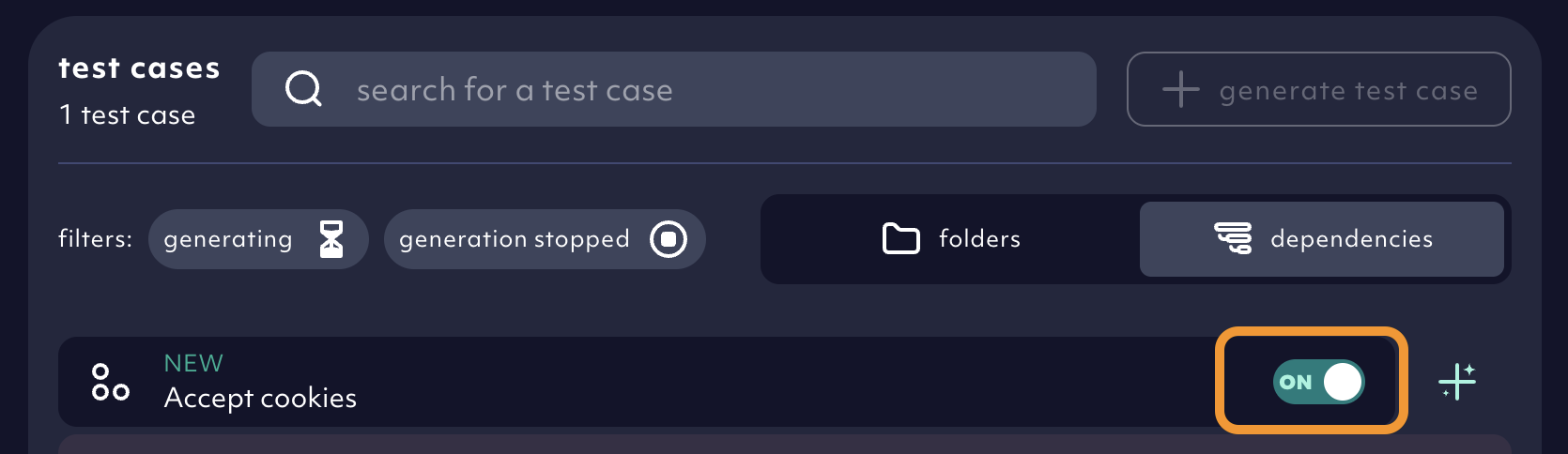
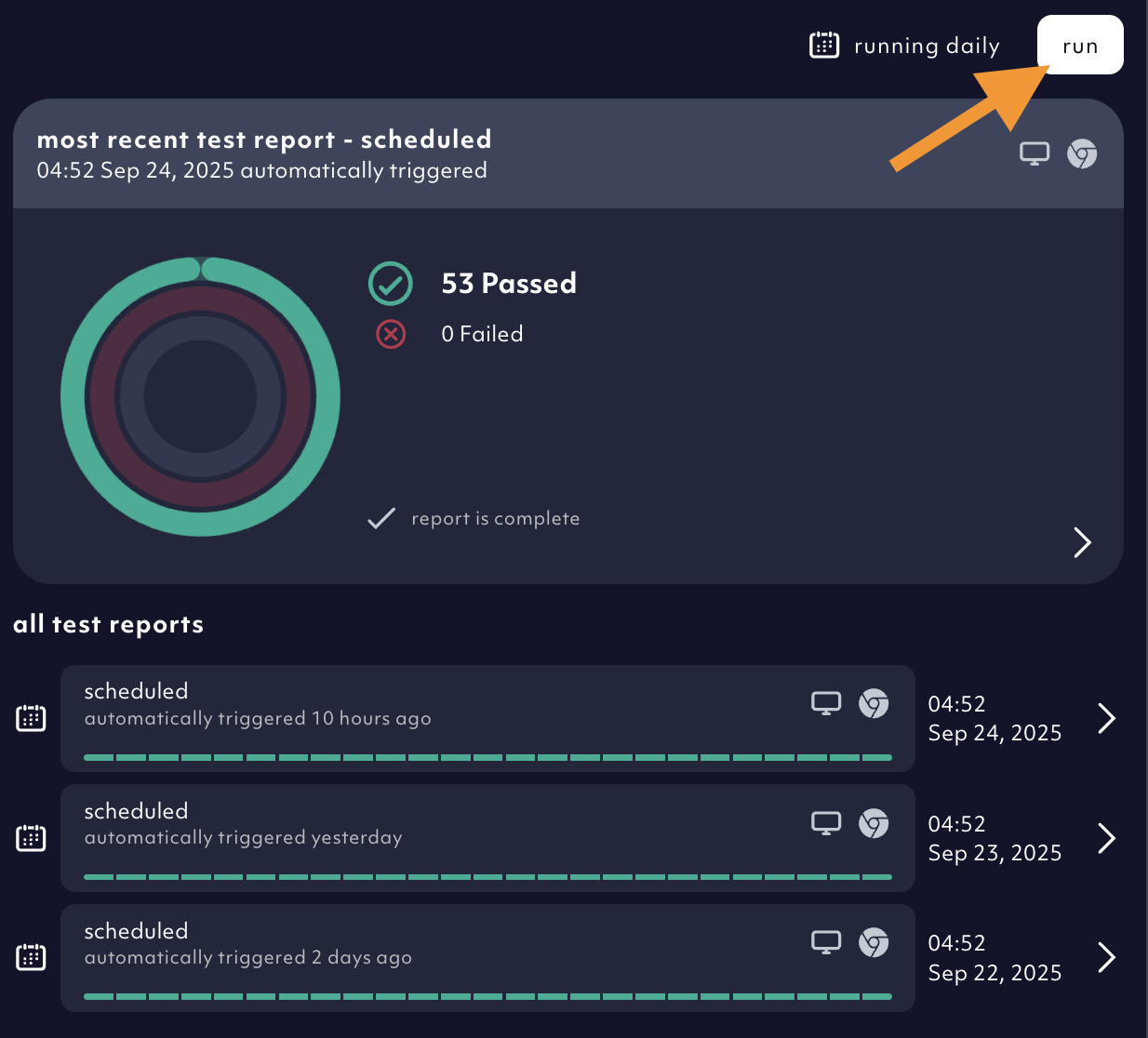
1. Select browser, resolution and trigger a test run
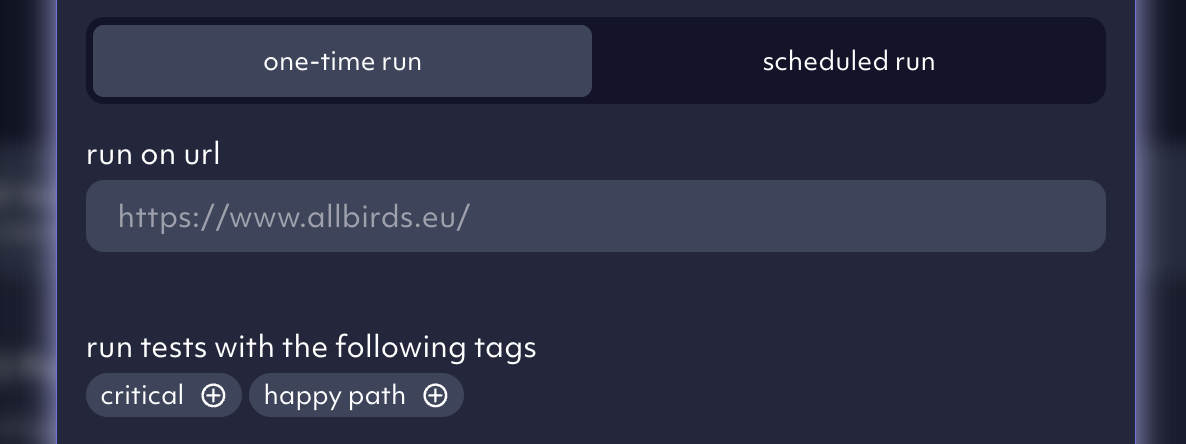
To run all active tests instantly, go totest reports and click on run. A dialog window pops up with 2 tabs.
one-time run tab you can select which browser (Chromium, Firefox, Safari) and screen sizes you want the tests to run for. If you tagged your tests, you can shard the execution - run only tests with specific tags.
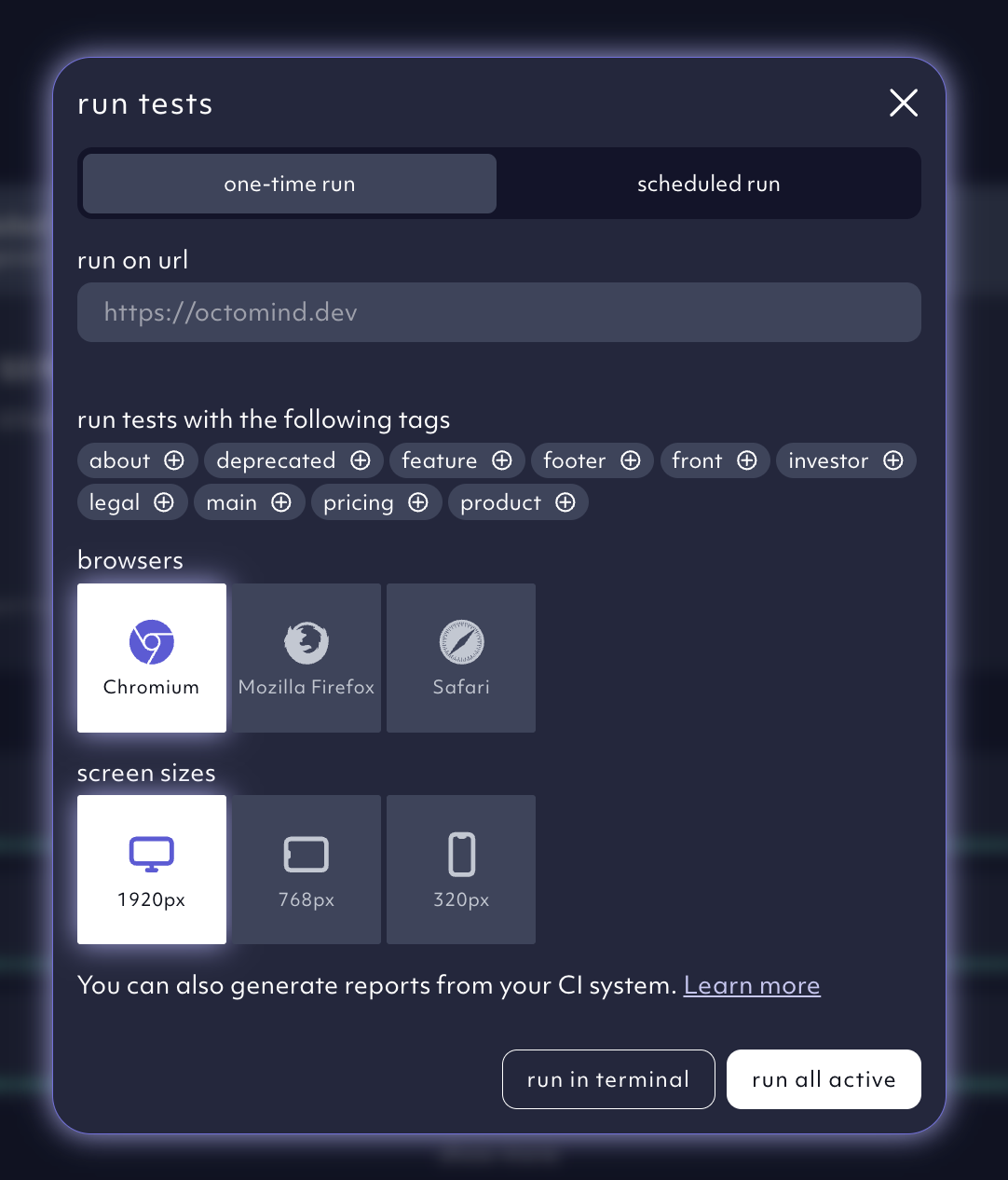
run all active. This will trigger a test run resulting in a test report visible in the Octomind app.
Useful for branch deployments - you can run your tests against any other accessible URL. Insert it into the run on URL field.
2. Understand test results
Every test run will produce a test report where you will see all test results. They will tell you if everything runs as it’s supposed to or if something is broken. Go to the test report section to learn about test reports.3. Why is a test red?
Red signals the test has failed. This might have 3 reasons:- You have a bug in your app
- The test is broken.
- The test is flaky.
Schedule regular test runs
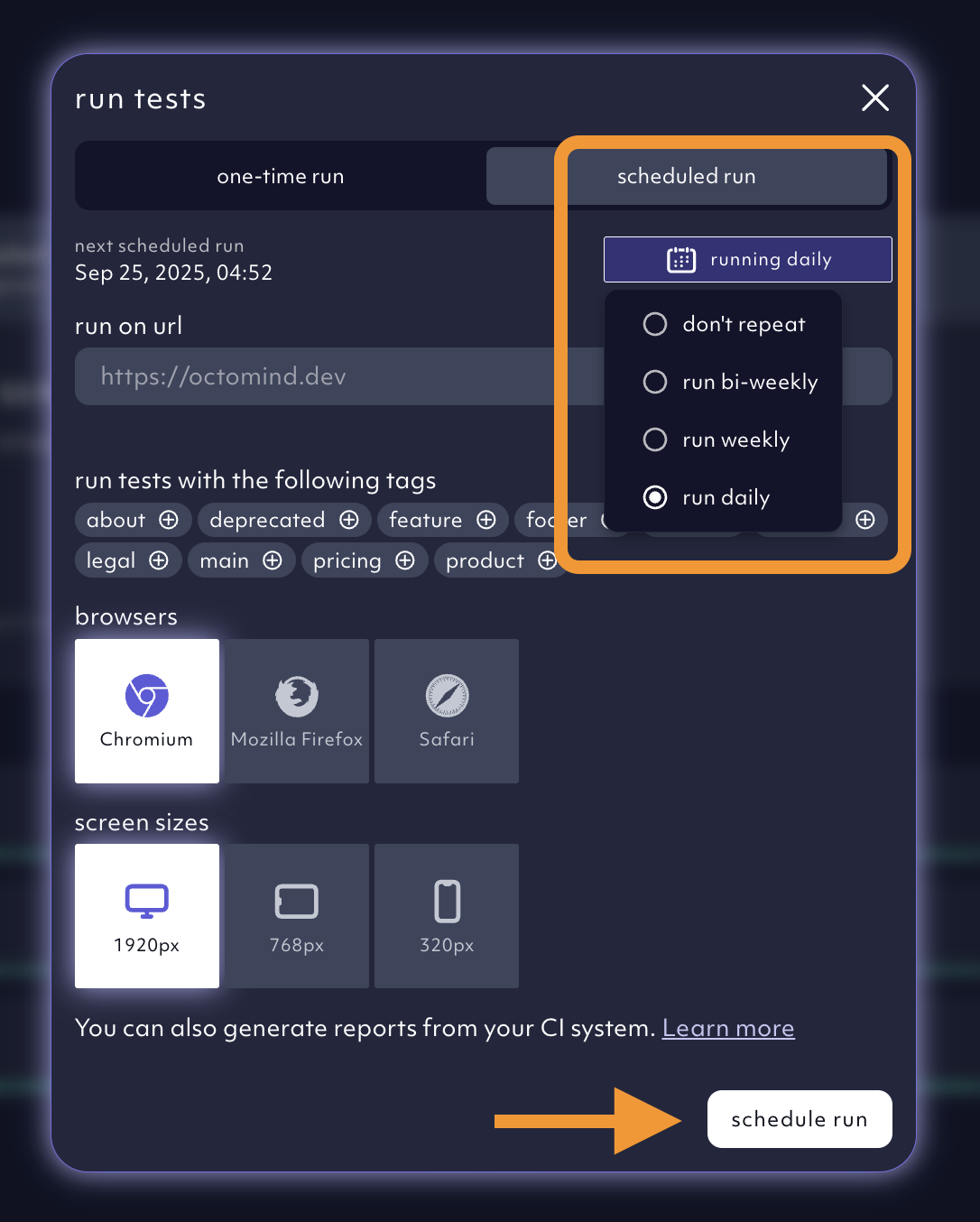
The point of software testing is to test regularly. Go toscheduled run tab, select frequency, pick your browsers, tags, and screen resolution.
Click on schedule run in the lower right corner. This is a great strategy for synthetic monitoring of your app in production.
Test timeout
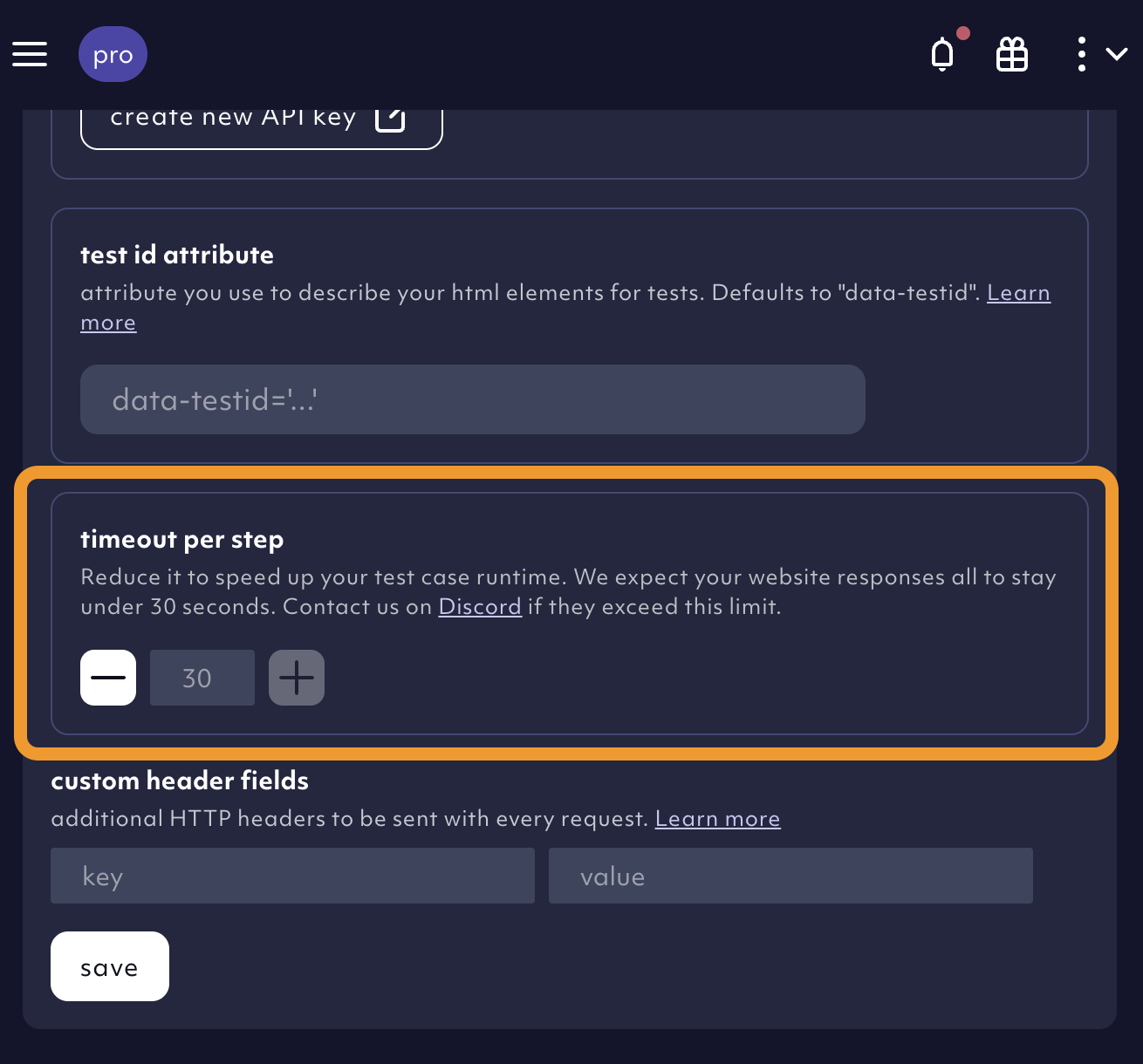
You can use theglobal step timeout in the environment settings to shorten the timeout between steps if you want to run the tests faster. Our default is 30 seconds. This option should be enjoyed with caution - it can lead to more frequent failures due to timing issues.
Trigger test runs via curl command
If you do not use pipelines and want to manually trigger the test execution from outside our app, e.g. from your terminal, you can do it with a cURL command. Learn how.Trigger test runs from your CI
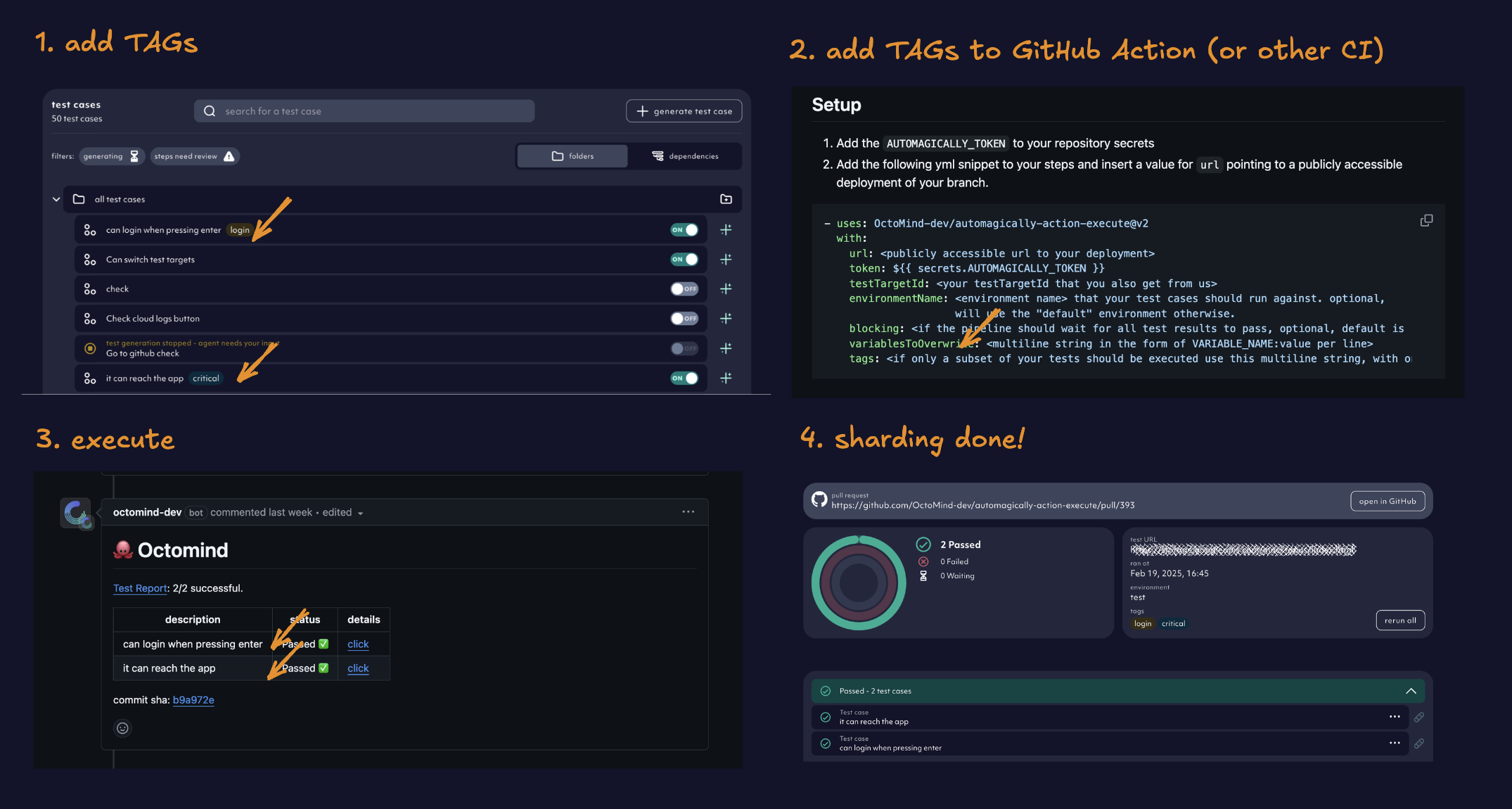
Integrating our tests to your CI pipeline is a great way to make sure you didn’t break the app with new releases. Learn how to integrate Octomind into your CI/CD.Test sharding
Use tags to filter and shard test execution. Organize your test suite and split test runs into smaller chunks which can all run in parallel!